Verification concepts
What is an hCaptcha token?
Understand hCaptcha tokens, server-side verification, expiration, and the difference between receiving a token and completing a protected action.
By the easycaptcha team · Published
A token is a value produced by a verification flow and presented when an application requests a protected action. It is not an account password, an API credential, or the answer to an individual image tile. hCaptcha’s Node.js integration guide describes submitting the response to server-side verification before proceeding.
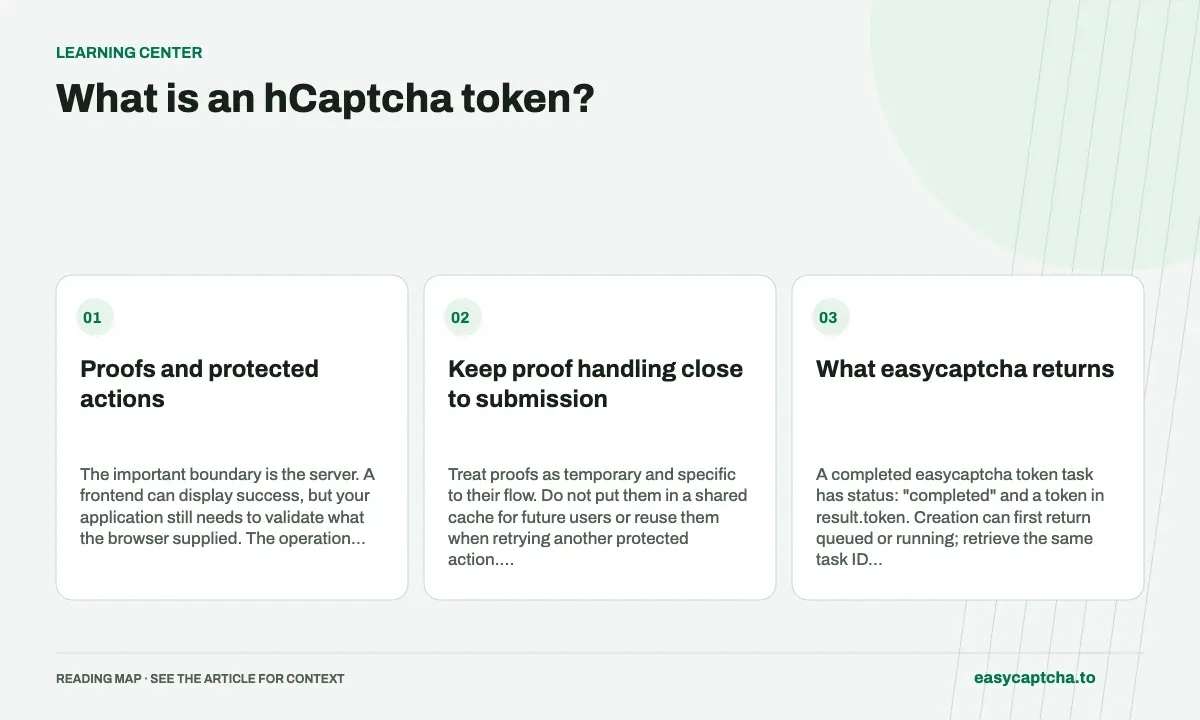
Proofs and protected actions
The important boundary is the server. A frontend can display success, but your application still needs to validate what the browser supplied. The operation should not proceed merely because a request body contains a field called token.
Keep proof handling close to submission
Treat proofs as temporary and specific to their flow. Do not put them in a shared cache for future users or reuse them when retrying another protected action. Plan for expiration, rejection, and the time spent between solving and submitting.
hCaptcha provides callbacks for expiration and verification errors. Use them to explain what happened and obtain a fresh proof instead of making the visitor repeatedly submit a stale value. The configuration reference documents those callbacks.
On your own application, preserve form content when asking the visitor to verify again. Losing a long message because a proof expired is a recovery bug in the form, not an unavoidable property of the challenge.
What easycaptcha returns
A completed easycaptcha token task has status: "completed" and a token in result.token. Creation can first return queued or running; retrieve the same task ID until it reaches a terminal result. Failed tasks have an embedded error that must be handled separately from HTTP transport errors.
The result does not automatically submit a form or complete the protected action. Your integration is responsible for consuming it in its own workflow and checking the outcome. The Python and JavaScript guides show this task lifecycle.
Separate three outcomes
Record whether the solver produced a result, whether the application’s verifier accepted it, and whether the requested action completed. These can differ. A returned result can be rejected; an accepted proof can be followed by an unrelated form validation error.
This distinction matters for support and measurement. If every failed action is labeled a solver failure, you will miss expired sessions, invalid form fields, and application errors. If every returned token is labeled success, you will miss verification rejection.
Report easycaptcha feedback after observing the actual result. Use task IDs for correlation, and avoid putting proofs into analytics events or exposing them in public logs. Our success-rate guide describes how to keep the stages visible without confusing them.
Frequently asked questions
Where is the token in an easycaptcha result?
A completed token task returns it in result.token. Queued or running tasks need another lookup; failed tasks have an error to handle.
Does receiving a token mean the form was submitted successfully?
No. Token production, verification acceptance, and application completion are separate outcomes. Your integration must apply the result and observe what happened.
How do I start using the easycaptcha API?
Create an account and get an API key, then follow the getting-started guide. Submit recognition or token tasks through raw HTTP or the typed Python and JavaScript SDKs.