Browser fundamentals
How the free reCAPTCHA recognition allowance works
How the free reCAPTCHA recognition allowance works. Learn the inputs, limits, and result handling for easycaptcha reCAPTCHA recognition.
By the easycaptcha team · Published
The easycaptcha Chromium extension offers a Free plan with 25 daily recognitions shared across hCaptcha and reCAPTCHA. Follow the download and activation instructions and enable Global plus reCAPTCHA in the popup.
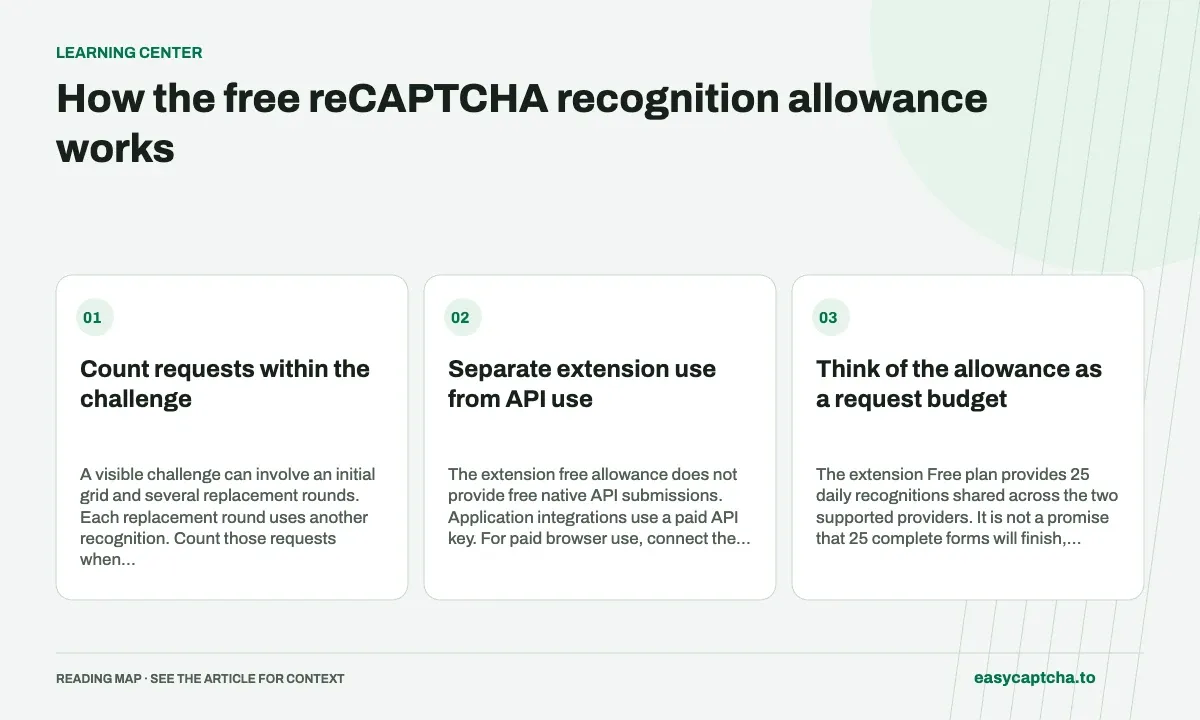
Count requests within the challenge
A visible challenge can involve an initial grid and several replacement rounds. Each replacement round uses another recognition. Count those requests when evaluating how much browsing the allowance covers.
Separate extension use from API use
The extension free allowance does not provide free native API submissions. Application integrations use a paid API key. For paid browser use, connect the appropriate key and check your balance and effective rate.
Think of the allowance as a request budget
The extension Free plan provides 25 daily recognitions shared across the two supported providers. It is not a promise that 25 complete forms will finish, because some forms never show a challenge and some challenges need several requests. A replacement sequence consumes recognition work as its new images are processed.
For an illustrative session, five reCAPTCHA challenges that each use one initial request and two replacement requests consume fifteen recognitions. Additional hCaptcha use draws from the same allowance under its documented group rules. The example is arithmetic, not a prediction of how many rounds your browsing session will require.
Set up a short trial before a long session
Follow the download instructions, activate the Free plan, and check that Global and reCAPTCHA are enabled. Start with a short workflow where you can see whether the extension begins recognition and whether replacement images are handled. This gives you a clearer diagnosis than first trying it halfway through a long form.
If assistance does not start, inspect provider settings, page access, plan activation, and reported allowance or eligibility errors. Repeatedly refreshing the challenge is unlikely to explain a disabled setting. Keep any available request identifier and a description of the visible stage if you need help from support.
Understand when paid usage is the appropriate path
A paid API key supports paid extension usage and application requests according to the documented product rules. The browser allowance does not become an API credit balance, and a native POST with an account key is not covered by activating the extension Free plan. Choose the access path that matches where the work is being submitted.
Before switching a larger workflow to paid use, check the dashboard’s effective reCAPTCHA rate and available balance. Count requests from representative sessions, including replacement rounds. That provides a more useful estimate than multiplying the number of pages you expect to visit by an assumed one recognition per page.
Keep browser assistance and page completion distinct
The allowance covers recognition work. It does not guarantee that a website will accept a challenge or that the surrounding form will complete. A form can reject another field, lose its session, or present additional work after image selections. Preserve your draft where possible and observe the actual submission outcome.
Website owners evaluating assistance should test keyboard focus, errors, and recovery as part of the full flow. Recognition can help with an image task while other barriers remain. The accessibility solution guide explains how to evaluate assistance without treating it as a substitute for making the form itself usable.
Read renewal and plan priority correctly
The free-plan documentation describes a 24-hour allowance with renewal available after 20 hours. The extension renews automatically as you use it once renewal is available, resetting the allowance to 25 recognitions. Unused recognitions do not accumulate. If you return more than seven days after the previous allowance expired, activation is required again.
These rules mean the popup’s actual remaining count and plan state are more useful than a spreadsheet based only on calendar dates. If assistance pauses, inspect activation, remaining recognitions, and renewal availability before concluding that the image workflow is broken. Keep any displayed error as part of the diagnosis rather than repeatedly refreshing the website.
When a paid key is connected, the paid-key path takes priority while the saved free plan remains stored. Review which plan is active when estimating spend or explaining why a session is not using its stored allowance. A team helping users configure assistance should document this distinction so an intentional switch to paid access is not confused with free-plan renewal.
Frequently asked questions
Are there 25 free recognitions for each provider?
No. The daily allowance is shared across hCaptcha and reCAPTCHA.
How does free allowance renewal work?
Each allowance lasts 24 hours, with renewal available after 20 hours. The extension renews as you use it when available, resetting the allowance rather than carrying unused units forward.
Why can fewer than 25 challenges use the allowance?
A challenge can require an initial grid and several replacement requests. Each reCAPTCHA request consumes one shared allowance unit.