Testing fundamentals
CAPTCHA test keys: what they prove and what they do not
Use provider test credentials for deterministic application checks, keeping production configuration separate and rejection paths covered.
By the easycaptcha team · Published
Provider test credentials can make verification behavior predictable enough for routine application tests. They do not establish production abuse resistance or a solver’s performance on real challenges. Keep the purpose of each test explicit.
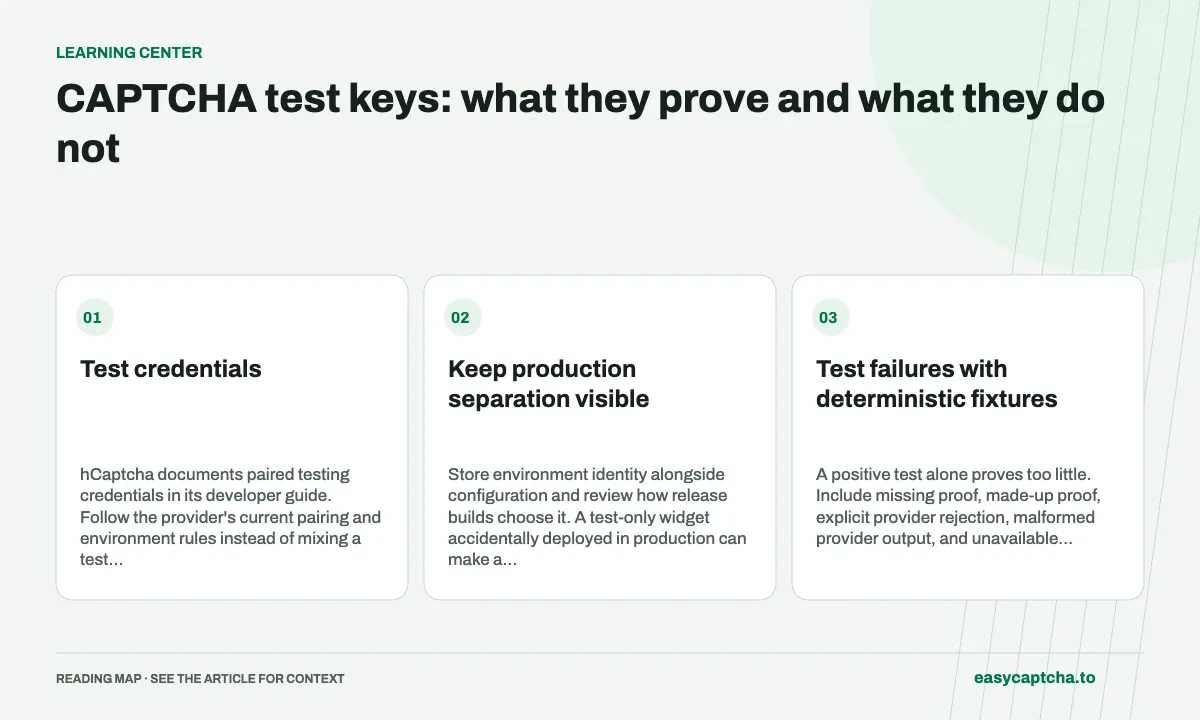
Test credentials
hCaptcha documents paired testing credentials in its developer guide. Follow the provider’s current pairing and environment rules instead of mixing a test public key with an unrelated server secret.
Keep production separation visible
Store environment identity alongside configuration and review how release builds choose it. A test-only widget accidentally deployed in production can make a healthy-looking form weaker than intended.
Use a deployment check that can identify known test configuration without printing secrets. Verify the running process uses the expected environment rather than only checking a source file.
Test failures with deterministic fixtures
A positive test alone proves too little. Include missing proof, made-up proof, explicit provider rejection, malformed provider output, and unavailable dependency. Confirm that each prevents the protected operation and that a visitor can recover appropriately.
Mock server-to-provider calls for cases that should not require a live outage or long timeout. A focused live check can verify credentials and connectivity separately from the application’s full negative-case suite.
Do not turn a fixture into a benchmark
A non-challenging test configuration cannot measure recognition accuracy or production token acceptance. Label it as a functional fixture and keep it out of performance cohorts. Do not blend its easy outcomes into a reported overall success rate.
Read browser testing for separating action assertions from provider checks. Staging and production parity explains which conditions a test environment should reproduce, while server validation shows why a successful frontend callback is not enough evidence for the protected endpoint.
Frequently asked questions
Do test keys prove a production challenge will work?
They verify selected integration behavior, not the full production challenge or risk decision. Keep test-key checks separate from representative real-flow tests.
When should I use real hCaptcha tasks in testing?
Use representative real tasks when evaluating recognition, token handling, or challenge acceptance. Keep those results distinct from deterministic application tests.
How can easycaptcha fit into my integration tests?
Use the documented recognition or token API for the hCaptcha stage, preserve task IDs, and inspect terminal results. Measure verifier acceptance and application completion separately from job completion.