Configuration fundamentals
Rotate CAPTCHA secrets without exposing them
Separate public keys from server credentials, plan a verifier secret change, and test configuration reload and rollback without leaking values.
By the easycaptcha team · Published
A public challenge key, the site owner’s verification secret, and a solving-service customer key have different roles. Rotating one does not rotate the others. Keep names and ownership explicit in your inventory so an operator does not replace the wrong value during an incident.
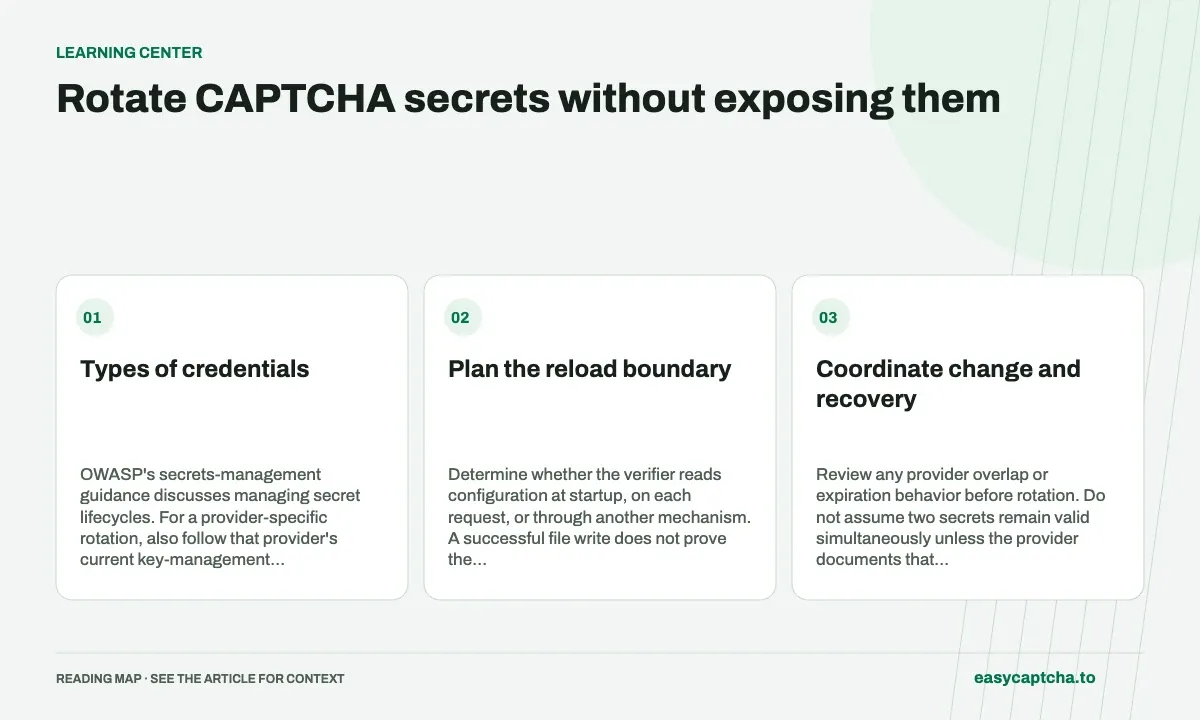
Types of credentials
OWASP’s secrets-management guidance discusses managing secret lifecycles. For a provider-specific rotation, also follow that provider’s current key-management contract.
Plan the reload boundary
Determine whether the verifier reads configuration at startup, on each request, or through another mechanism. A successful file write does not prove the running process uses the new value. Test the actual deployment boundary and document whether a restart is required.
| Evidence | What it establishes |
|---|---|
| New value in protected configuration | Storage changed |
| Running verifier using new configuration | Reload worked |
| Valid proof accepted | The current flow works |
| Invalid proof rejected | The requirement remains enforced |
Keep the secret itself out of that evidence record. Use configuration version identifiers and request IDs instead.
Coordinate change and recovery
Review any provider overlap or expiration behavior before rotation. Do not assume two secrets remain valid simultaneously unless the provider documents that behavior. Prepare a recovery plan that does not turn errors into successful verification.
Test environment separation too. A test secret paired with a production public key is a configuration problem, not a reason to weaken server checks.
Limit exposure during investigation
A secret copied into a build artifact, browser bundle, log, or support message may remain exposed after its local file is fixed. Review those destinations and revoke the affected credential according to the owning service’s policy.
Read secret-leak triage for evidence collection, sitekey distinctions for credential roles, and server validation for testing the boundary after a rotation.
Frequently asked questions
Is an hCaptcha sitekey a secret?
A sitekey is public configuration. Provider verification secrets and easycaptcha API credentials have different roles and should be protected accordingly.
How should an application handle credential rotation?
Identify the credential and its consumers, replace it through the appropriate configuration path, verify the integration, and retire the old credential.
How do I start using the easycaptcha API?
Create an account and get an API key, then follow the getting-started guide. Submit recognition or token tasks through raw HTTP or the typed Python and JavaScript SDKs.