Operations
Investigating a leaked CAPTCHA or API credential
Identify credential ownership, exposed destinations, revocation, and configuration reload without spreading the secret into more logs or tickets.
By the easycaptcha team · Published
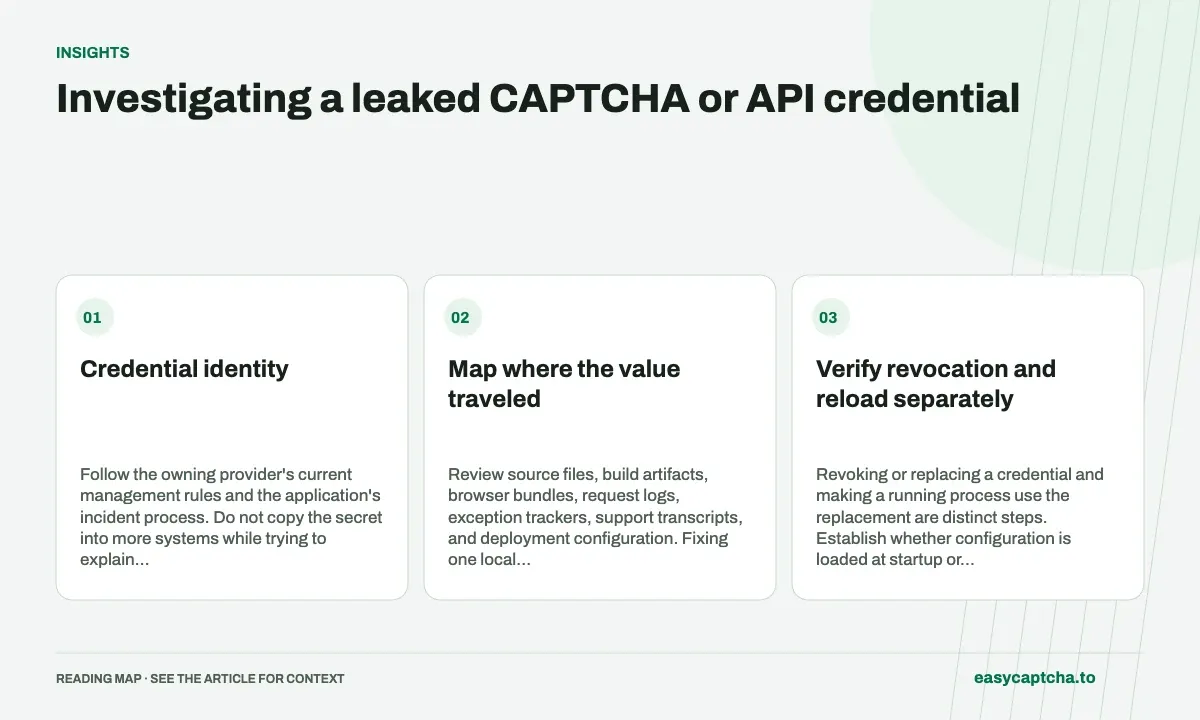
A public sitekey, server verification secret, customer API key, and proxy password have different roles. A public key appearing in HTML is not the same incident as a paid customer credential appearing in a bundle. Establish which value is involved and who can revoke it.
Credential identity
Follow the owning provider’s current management rules and the application’s incident process. Do not copy the secret into more systems while trying to explain that it was exposed.
Map where the value traveled
Review source files, build artifacts, browser bundles, request logs, exception trackers, support transcripts, and deployment configuration. Fixing one local file does not remove copies already distributed elsewhere.
Use a restricted evidence record with destination, exposure interval, credential identifier, and remediation stage. Avoid including the complete value unless an explicitly protected process requires it.
Verify revocation and reload separately
Revoking or replacing a credential and making a running process use the replacement are distinct steps. Establish whether configuration is loaded at startup or refreshed later. Test the real deployment rather than only the intended file.
Check a valid operation and the negative path appropriate to the credential. A missing new secret should not silently authorize verification. A revoked customer key should not continue to spend credit through a stale client configuration.
Preserve investigation quality
A log may contain the affected credential because a redaction rule covered headers but not JSON bodies, or the reverse. Review schema changes such as worker proxy input that made previously benign traces sensitive.
Do not upload an entire browser profile or private form history when a limited record answers the question. Remove unnecessary access to the evidence and follow the deployment’s retention policy.
Credential rotation covers ownership and reload, data minimization covers logging boundaries, and privacy-aware metrics provides a smaller event model for future observations without routinely collecting the values that caused the incident.
Frequently asked questions
Is every CAPTCHA-related identifier a leaked secret?
No. A public sitekey differs from a verification secret or customer API key. Identify the credential and its scope first.
What should happen after a private credential is exposed?
Replace it through the appropriate account or configuration path, update consumers, and investigate use without copying the secret into support logs.
How can easycaptcha fit into my integration tests?
Use the documented recognition or token API for the hCaptcha stage, preserve task IDs, and inspect terminal results. Measure verifier acceptance and application completion separately from job completion.