Verification comparison
Self-hosted vs managed CAPTCHA verification
Compare operational ownership, provider dependency, credential rotation, and recovery when choosing a challenge provider for your own application.
By the easycaptcha team · Published
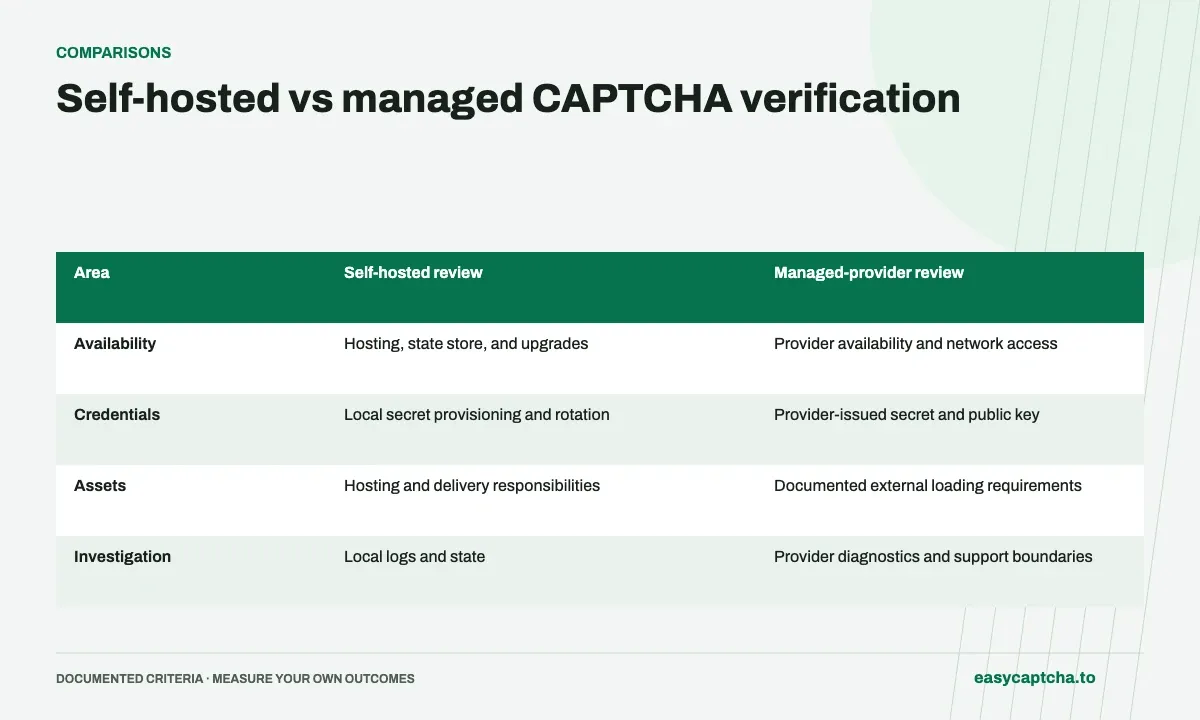
Two widgets can look similar while leaving very different operational work to the site owner. A self-hosted challenge service requires someone to maintain its deployment and state. A managed provider moves some of that work to an external service but adds a provider dependency.
Operational ownership
This decision concerns website verification. easycaptcha’s customer API is a solving service, not a general self-hosted or managed fraud-prevention offering.
Identify the operating responsibilities
| Area | Self-hosted review | Managed-provider review |
|---|---|---|
| Availability | Hosting, state store, and upgrades | Provider availability and network access |
| Credentials | Local secret provisioning and rotation | Provider-issued secret and public key |
| Assets | Hosting and delivery responsibilities | Documented external loading requirements |
| Investigation | Local logs and state | Provider diagnostics and support boundaries |
Keep the server-side verification requirement the same whichever model you choose. A browser success state does not authorize the protected action by itself.
Plan failure behavior explicitly
Decide what happens when verification is unavailable. Do not let an exception handler accidentally convert an outage into successful verification. Preserve a usable retry path and the user’s non-sensitive form data.
If multiple providers are involved, define the policy on the server. The caller should not choose an easier method merely by omitting a proof. Test direct requests that lack verification, not just visible widgets.
Evaluate user impact and maintenance
Test loading, completion, expiration, failure, and recovery on representative devices. Include keyboard and screen-reader behavior around the form. Background verification can still fail or confuse visitors even when it asks no image question.
Document who handles configuration, release updates, and support. Compare total operational work rather than only a license price or checkbox design. See fail-closed behavior, outage planning, and accessibility review for the questions to answer before deployment.
Frequently asked questions
Does operating a verifier and using a solver mean the same thing?
No. A verifier decides whether a proof is acceptable for an action. A solver supplies recognition results or tokens for a workflow.
What should I compare when choosing a verification deployment?
Review operational ownership, integration requirements, recovery, and visitor experience. Use the documented product scope rather than widget appearance alone.
How do I start using the easycaptcha API?
Create an account and get an API key, then follow the getting-started guide. Submit recognition or token tasks through raw HTTP or the typed Python and JavaScript SDKs.