Recognition workflows
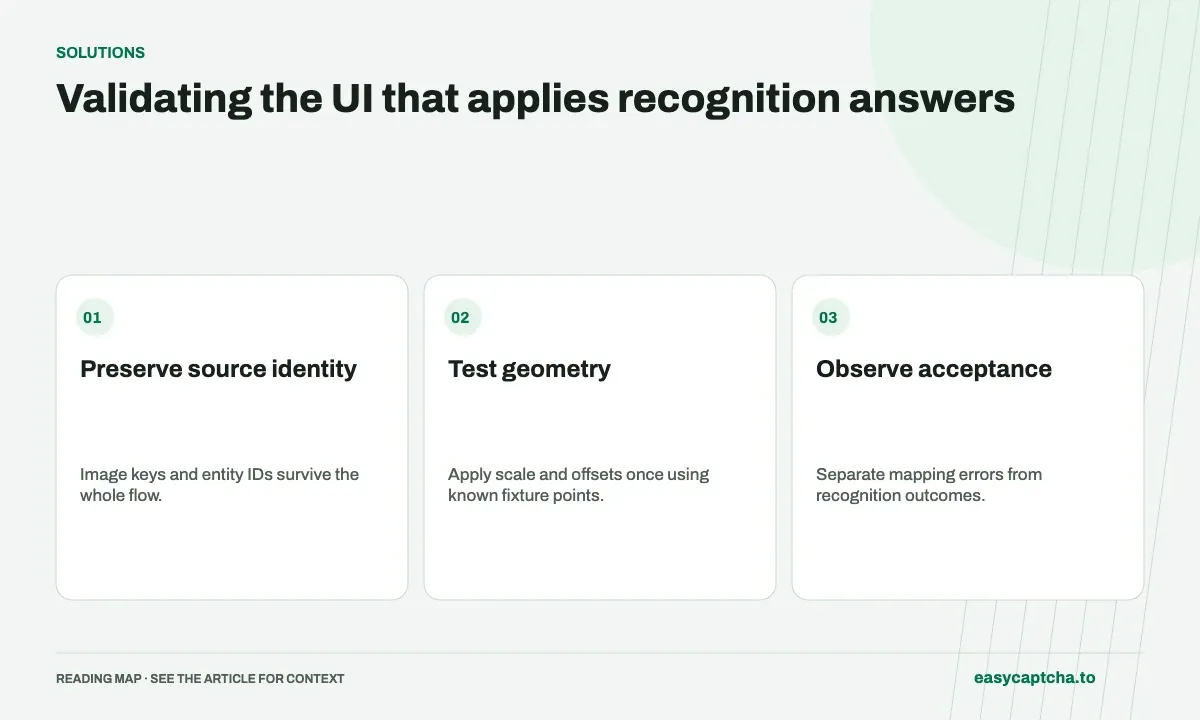
Validating the UI that applies recognition answers
Use known fixtures to prove image keys, coordinate transforms, and movable-object identities are applied correctly before judging live recognition quality.
By the easycaptcha team · Published
A recognition service can return a meaningful answer while an integration selects the wrong tile or places an object at the wrong coordinate. If every rejected interaction is reported as a model failure, the deterministic application bug remains hidden and the feedback dataset becomes less useful.
Applying recognition results
Separate input capture, recognized output, UI mapping, and the final acceptance outcome. That division gives your team a way to establish whether it consumed the result correctly before investigating recognition quality.
Preserve identity through the whole flow
Binary answers should remain associated with original task keys. Area selections should remain associated with their source image. Drag placements should retain movable-object identity and geometry. Do not rely on a result array accidentally having the same ordering as a display array.
The recognition-family guide distinguishes these result models. Product request instructions belong in the API reference, while the workflow should establish how your application uses those models.
Validate geometry with fixtures
Choose known source points near edges and in the center, then render the image at different sizes. Verify the transform from source coordinates into the displayed interaction exactly once. Include page offsets, zoom, and any crop behavior your application actually permits.
For drag work, use known object IDs and destinations in a controlled fixture. Confirm the interaction layer selects the intended object and reaches the intended target. Avoid testing only a symmetric case where a wrong transform still appears plausible.
Investigate live failure by stage
When an interaction is rejected, inspect whether the submitted question and image were correct, whether the result was complete, whether mapping succeeded, and whether the actual action was accepted. Preserve IDs and limited geometry evidence instead of screenshots containing unrelated private form content.
Repeated paid submissions cannot fix a consistent key mismatch. A live solver evaluation should begin only after fixture tests establish that the application can apply a known correct answer.
Report outcomes honestly
Use feedback after observing the relevant acceptance, and distinguish application mapping failures from recognition failures in your own records. Retain unknown cases rather than forcing them into a binary benchmark.
Coordinate debugging provides a deeper checklist. Feedback quality explains how the observation source affects data, so a UI bug is corrected instead of being amplified into misleading model-performance claims.
Frequently asked questions
Why preserve hCaptcha task keys and entity IDs?
They connect each answer to the original media or movable object. Assuming array positions can apply a valid result to the wrong target.
Can a UI mapping bug look like a recognition failure?
Yes. Incorrect scale, offsets, image identity, or entity mapping can produce a rejected interaction even when the result was useful.
How can easycaptcha fit into my integration tests?
Use the documented recognition or token API for the hCaptcha stage, preserve task IDs, and inspect terminal results. Measure verifier acceptance and application completion separately from job completion.