Client comparison
Sync vs async CAPTCHA clients: choose the execution model
Compare blocking calls, thread-backed async wrappers, and native async transports, while keeping account admission and task lifecycles unchanged.
By the easycaptcha team · Published
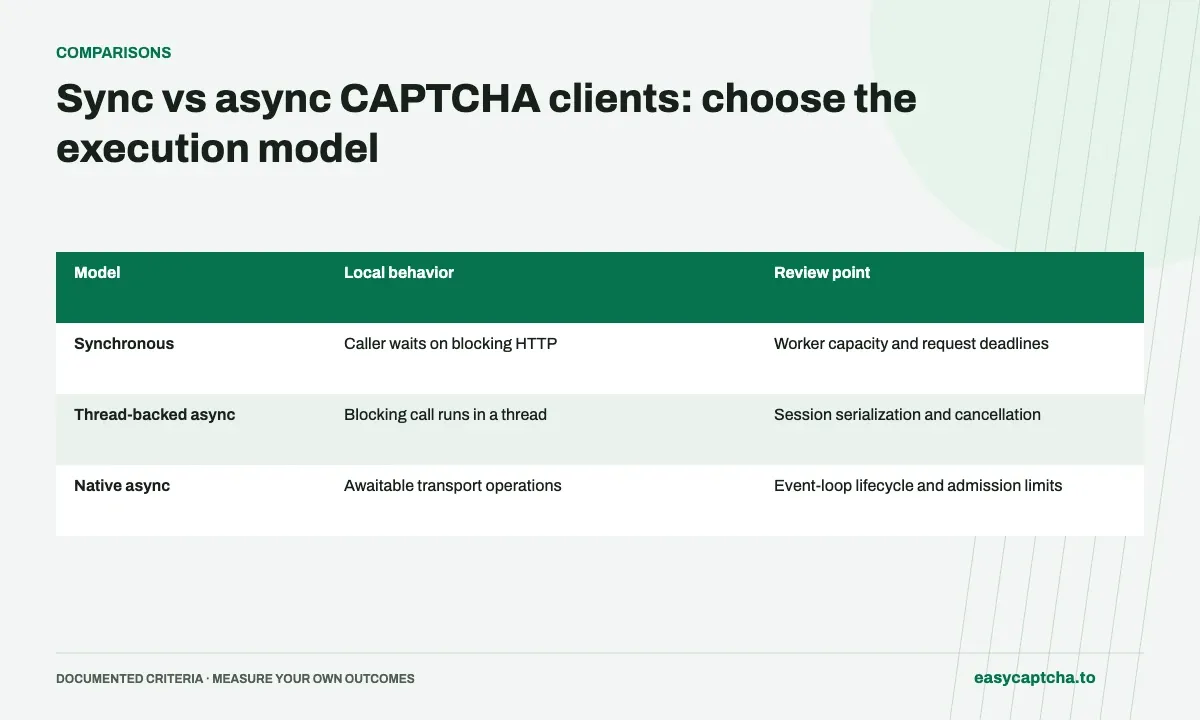
A synchronous worker can use a blocking client directly. An application built around an event loop needs to avoid blocking that loop during network waits. The easycaptcha Python SDK offers both synchronous and asynchronous classes, while its JavaScript SDK is asynchronous.
Application runtime
Selecting async is a scheduling choice. It does not change the remote task type, guarantee faster solving, or increase the account’s weighted concurrency allowance.
Distinguish native async from thread-backed calls
| Model | Local behavior | Review point |
|---|---|---|
| Synchronous | Caller waits on blocking HTTP | Worker capacity and request deadlines |
| Thread-backed async | Blocking call runs in a thread | Session serialization and cancellation |
| Native async | Awaitable transport operations | Event-loop lifecycle and admission limits |
The urllib and requests async wrappers serialize operations per client and wait for in-flight blocking work before releasing the session on cancellation. httpx and curl_cffi provide native async transports. Choose based on your own application’s ownership and shutdown requirements.
Preserve remote work after local waiting ends
Canceling a caller or closing an HTTP wait does not prove an accepted task was canceled. Persist the returned ID and decide which component reconciles pending jobs. If creation failed without an ID, keep the outcome uncertain instead of automatically starting another job.
A semaphore around HTTP calls alone is not a complete active-job limit: remote work may continue after the response. Coordinate admitted jobs using their states and weights.
Test shutdown and overload
Exercise a normal result, pending work, cancellation, a transport error, and a process restart. Verify that owned sessions close and application-owned sessions remain under the application’s control. Do not change credentials or logging behavior merely to choose another backend.
See native async Python for a working polling pattern, urllib for dependency-light use, and bounded scheduling for capacity management independent of the HTTP execution model.
Frequently asked questions
Does easycaptcha support both synchronous and asynchronous Python?
Yes. The Python SDK offers sync and async clients with selectable transport backends. Choose the client that fits your application's runtime.
Does an asynchronous client mean the job is already completed?
No. Async describes client execution. Jobs can still be queued or running and need later retrieval until a terminal result arrives.
How do I start using the easycaptcha API?
Create an account and get an API key, then follow the getting-started guide. Submit recognition or token tasks through raw HTTP or the typed Python and JavaScript SDKs.